Entity
Entity
April 2021
Houdini | Redshift
Create masks interactively
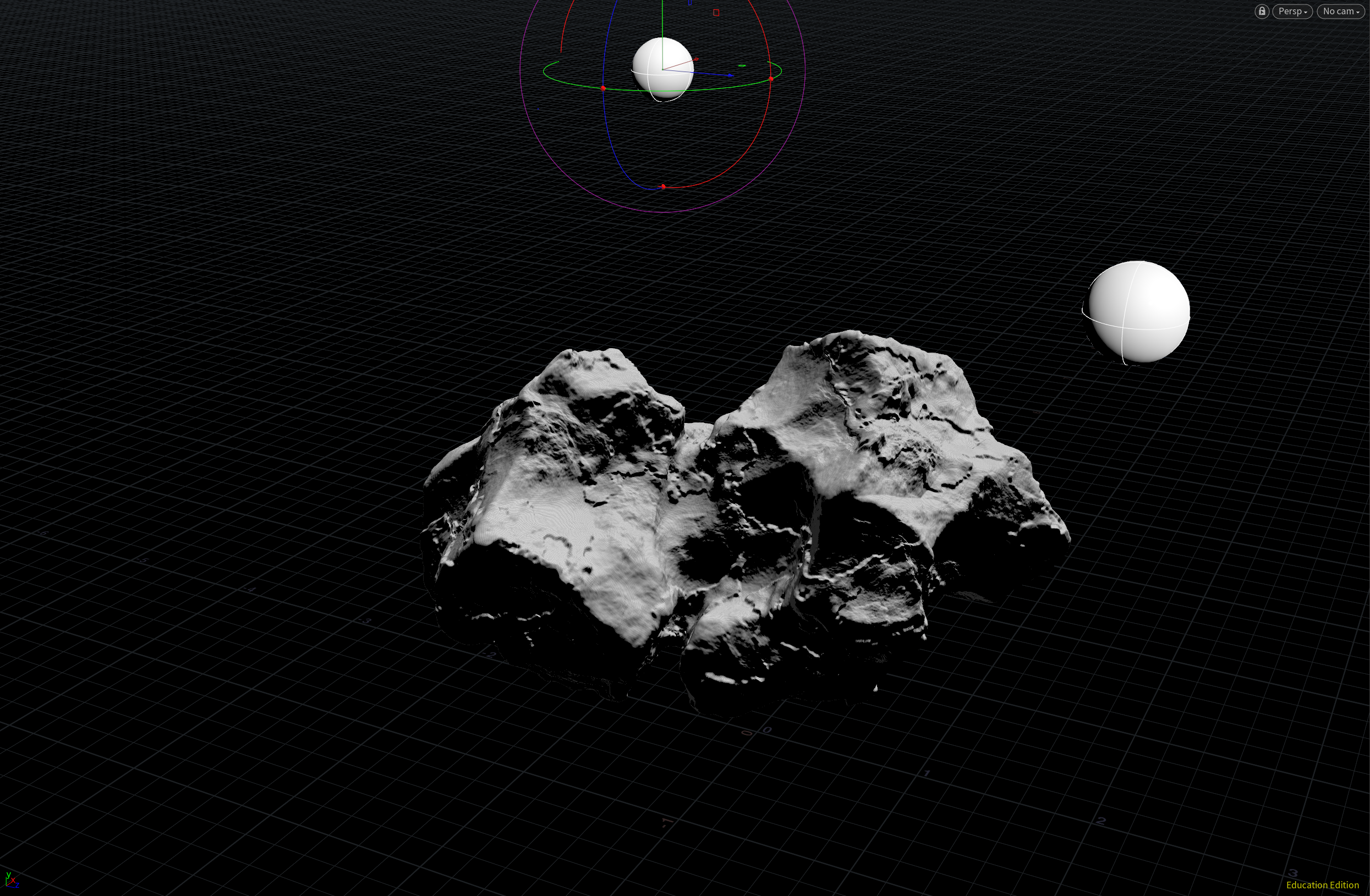
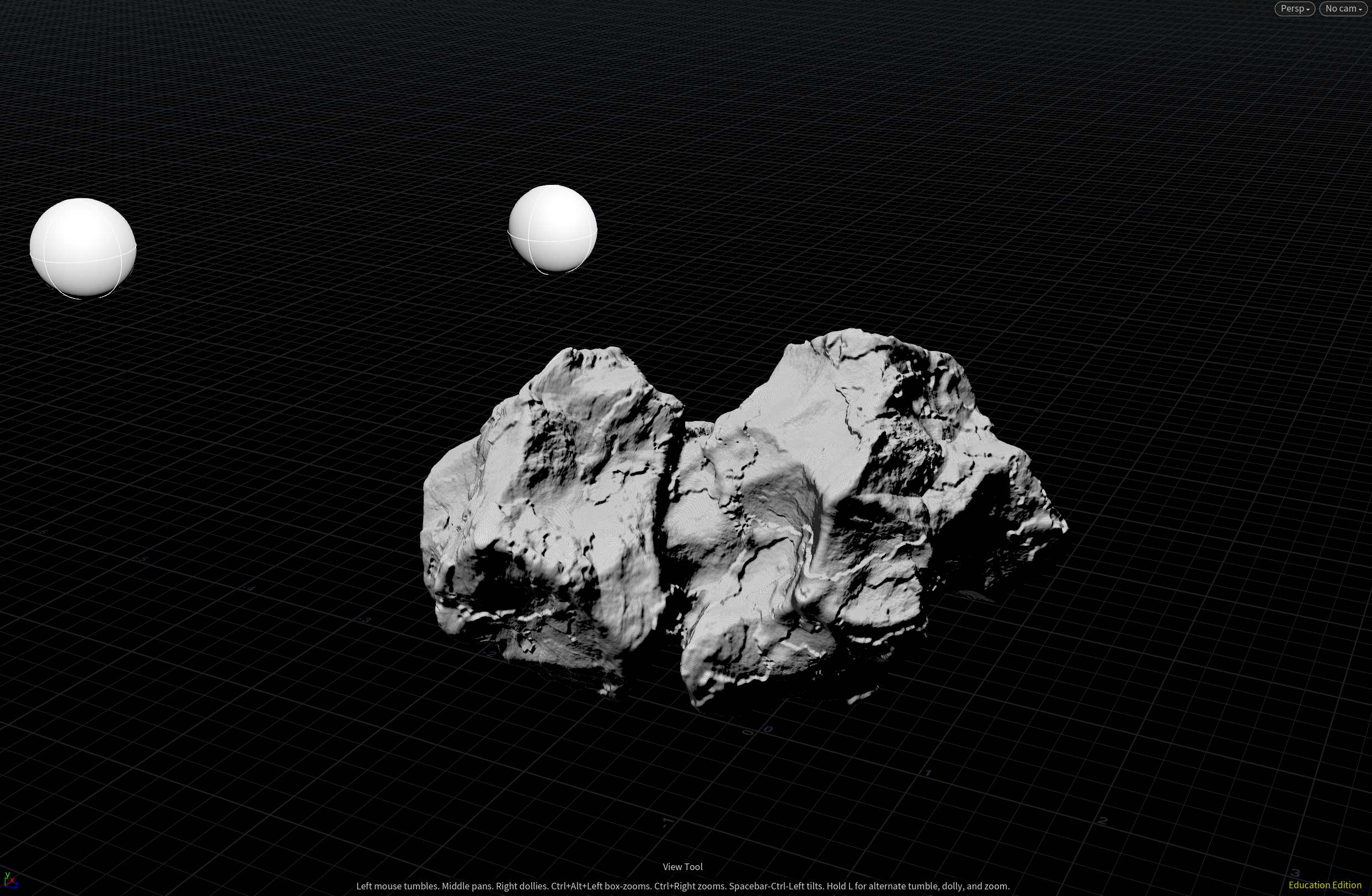
The two spheres can be moved to different locations to create a variety of masks that can be used to place the moss on the rock.
The setup uses dot product to calculate the angle between the normal vector on the surface of the rock and the position vector of the spheres. It uses that to create a black and white mask as shown in the images.
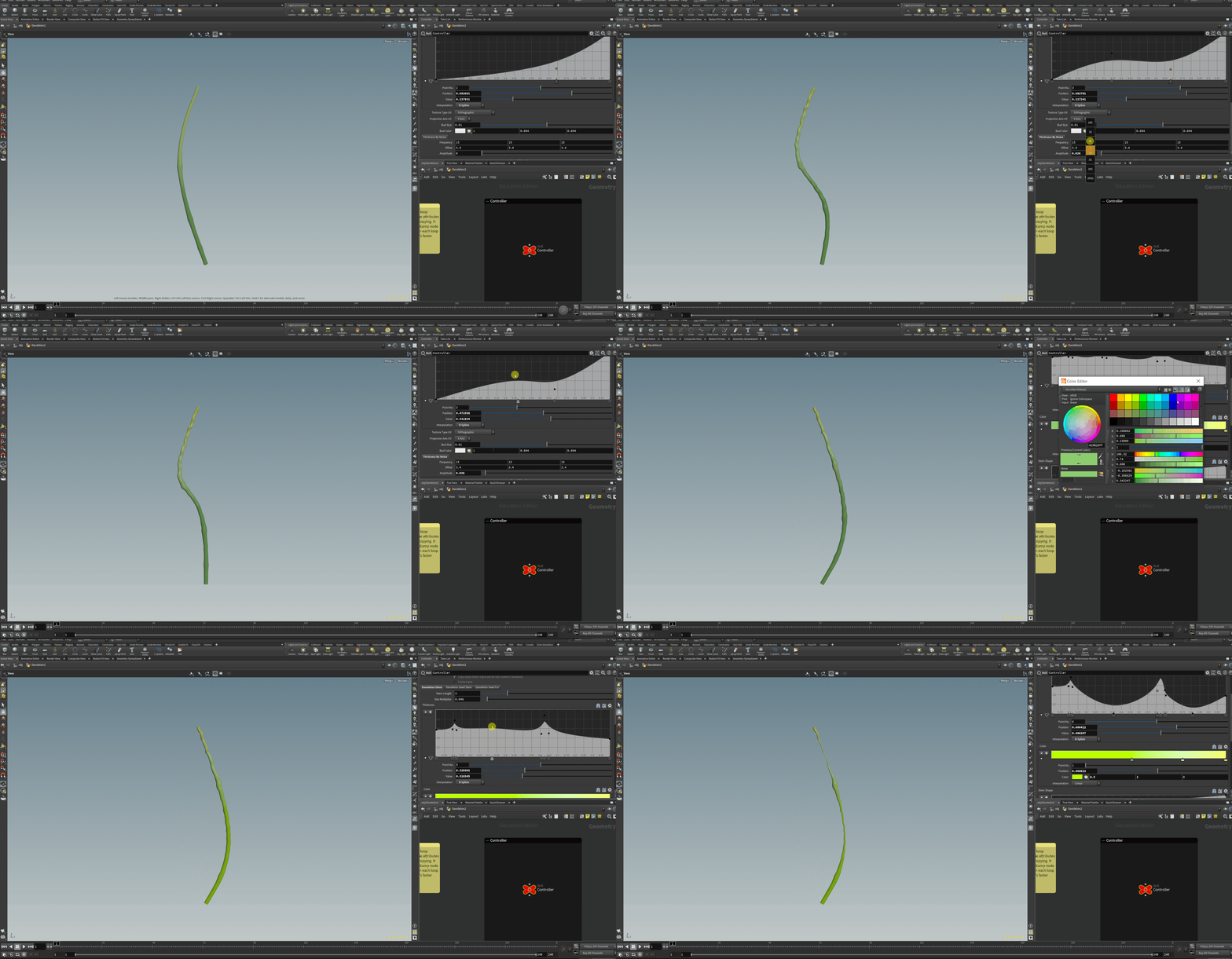
Procedural Dandelion Stem
The parameters of the tool can be adjusted to create stems of various shapes and colors. It also enables the user to add noise and randomness to the stem to push it towards realism.
Procedural Dandelion Seeds
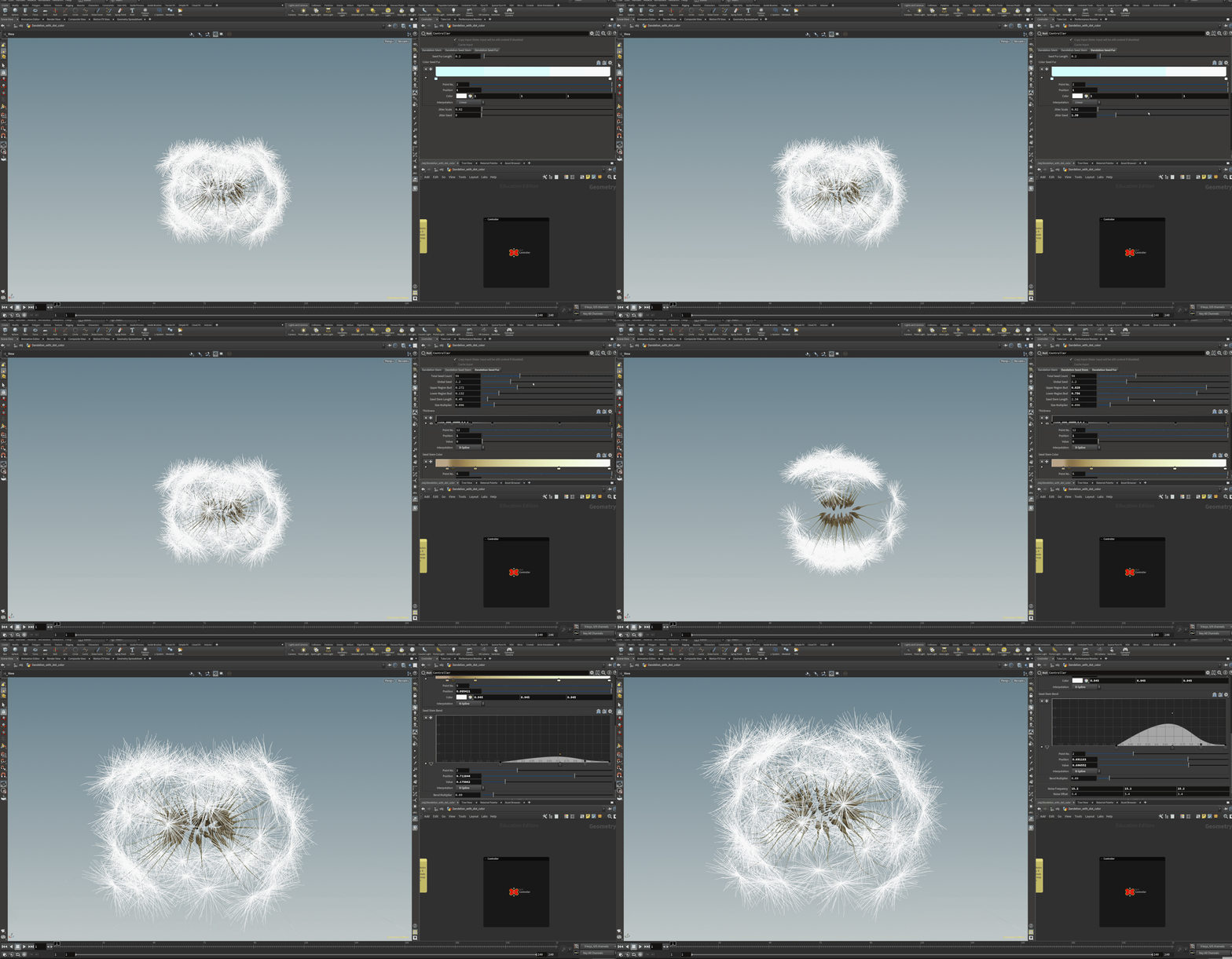
Using the setup we can create a great variety of dandelion seeds. It allows us to change the total count of ray florets, change their shapes and colors and add a lot of detail as shown in the gif.
We can also set the distribution of the ray florets in the dandelion seed.
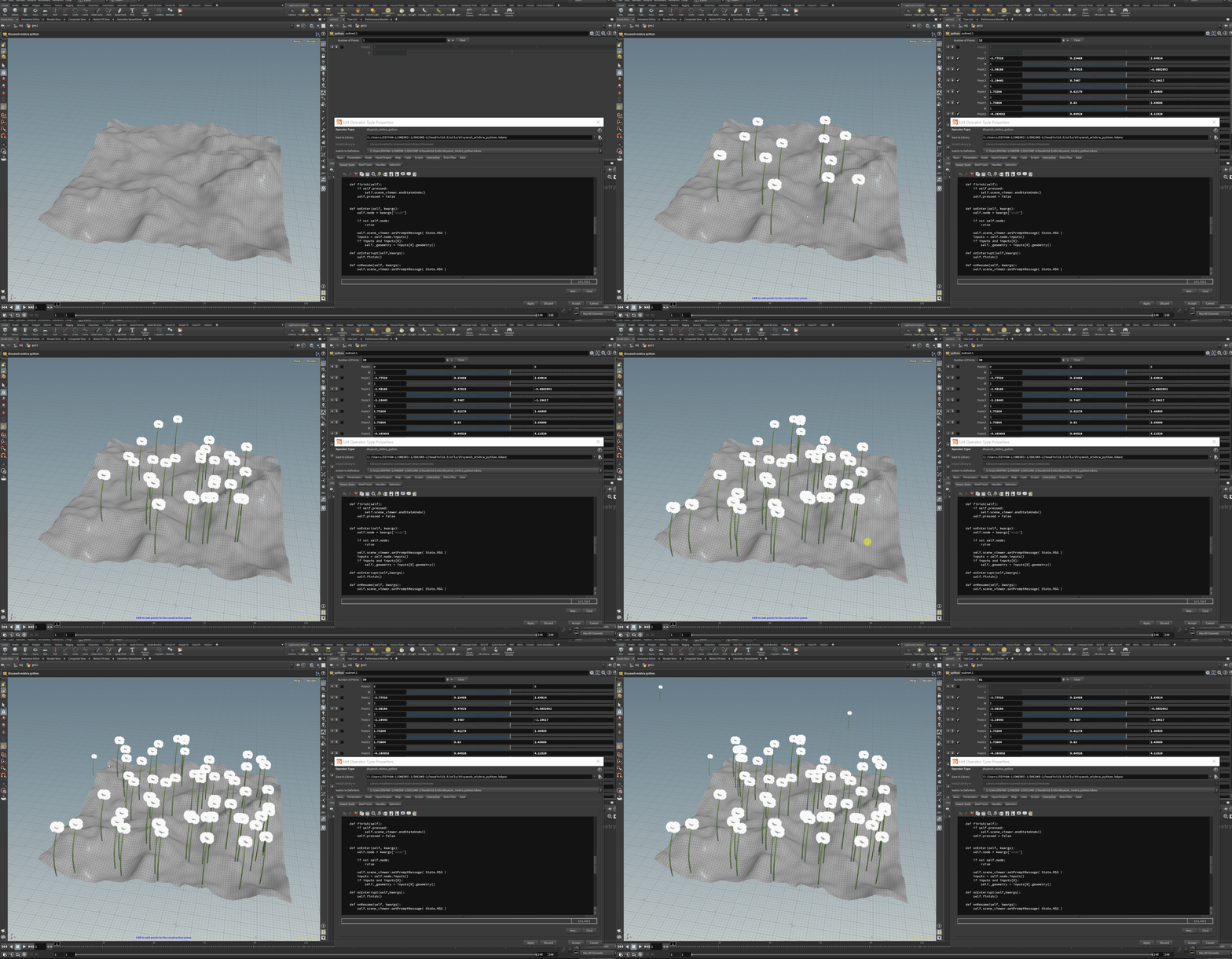
Interactive Dandelion Placement
This tool helps the user to place objects on any surface in the scene interactively (using the mouse in the viewport.)
I made this using Python inside the interactive viewer state tab of a Houdini digital asset.